
拍照识谱
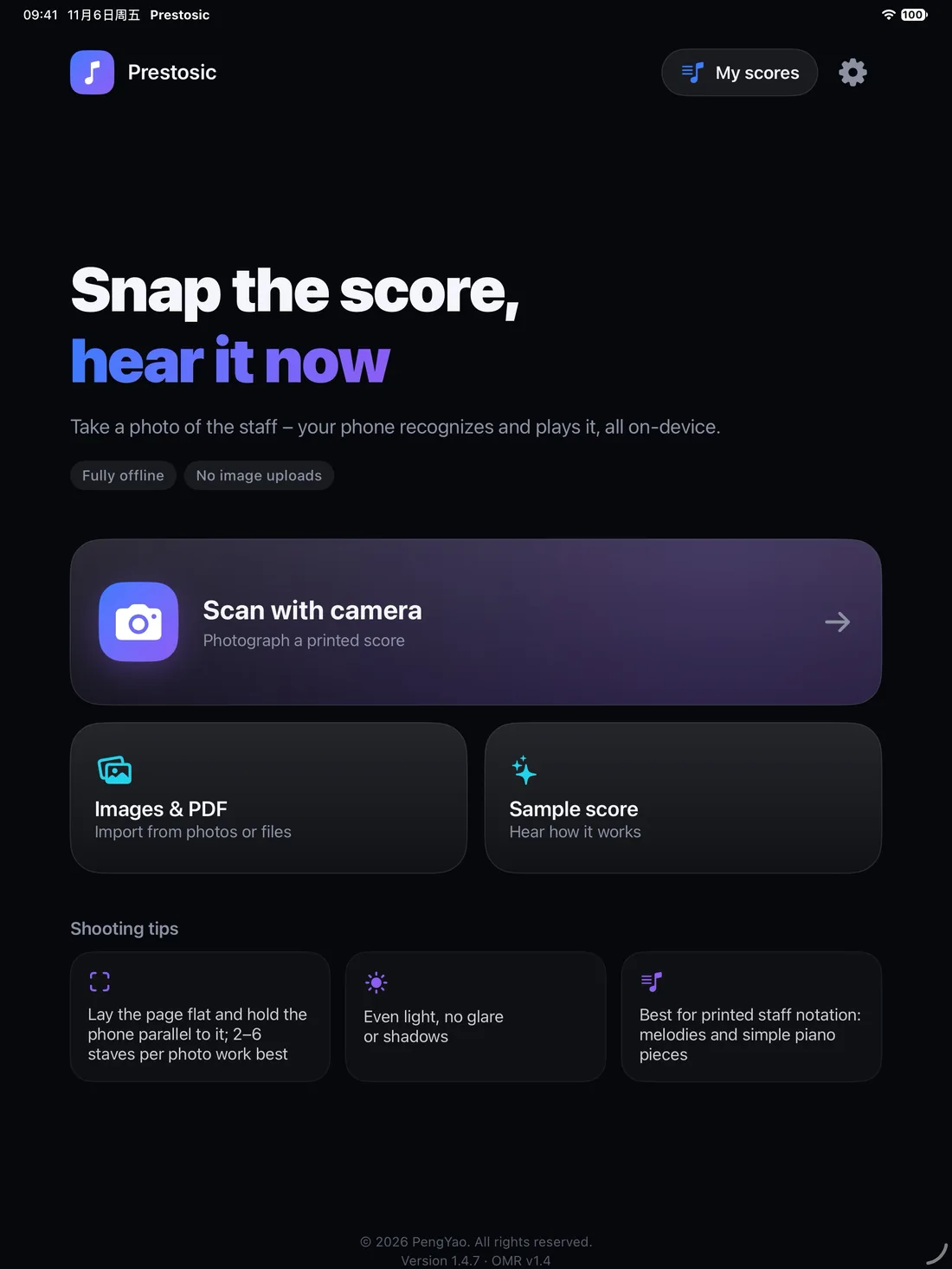
Scan with camera
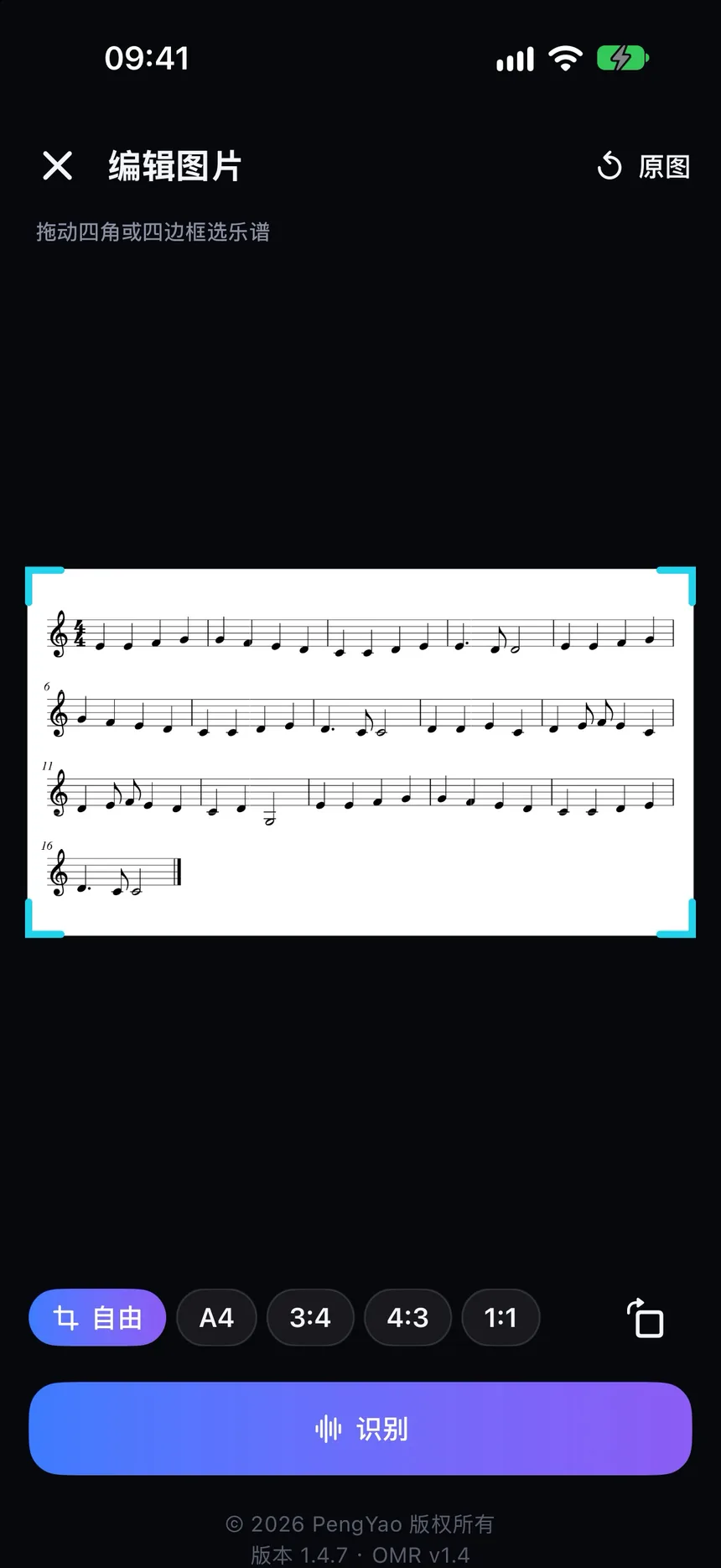
用相机拍摄纸质乐谱,识别后即可播放。
Photograph printed sheet music and play it after recognition.
拍照识谱,编辑播放,离线可用
Snap, edit, play offline
对准五线谱拍一张,手机本地识别并演奏。
Take a photo of the staff – your phone recognizes and plays it, all on-device.
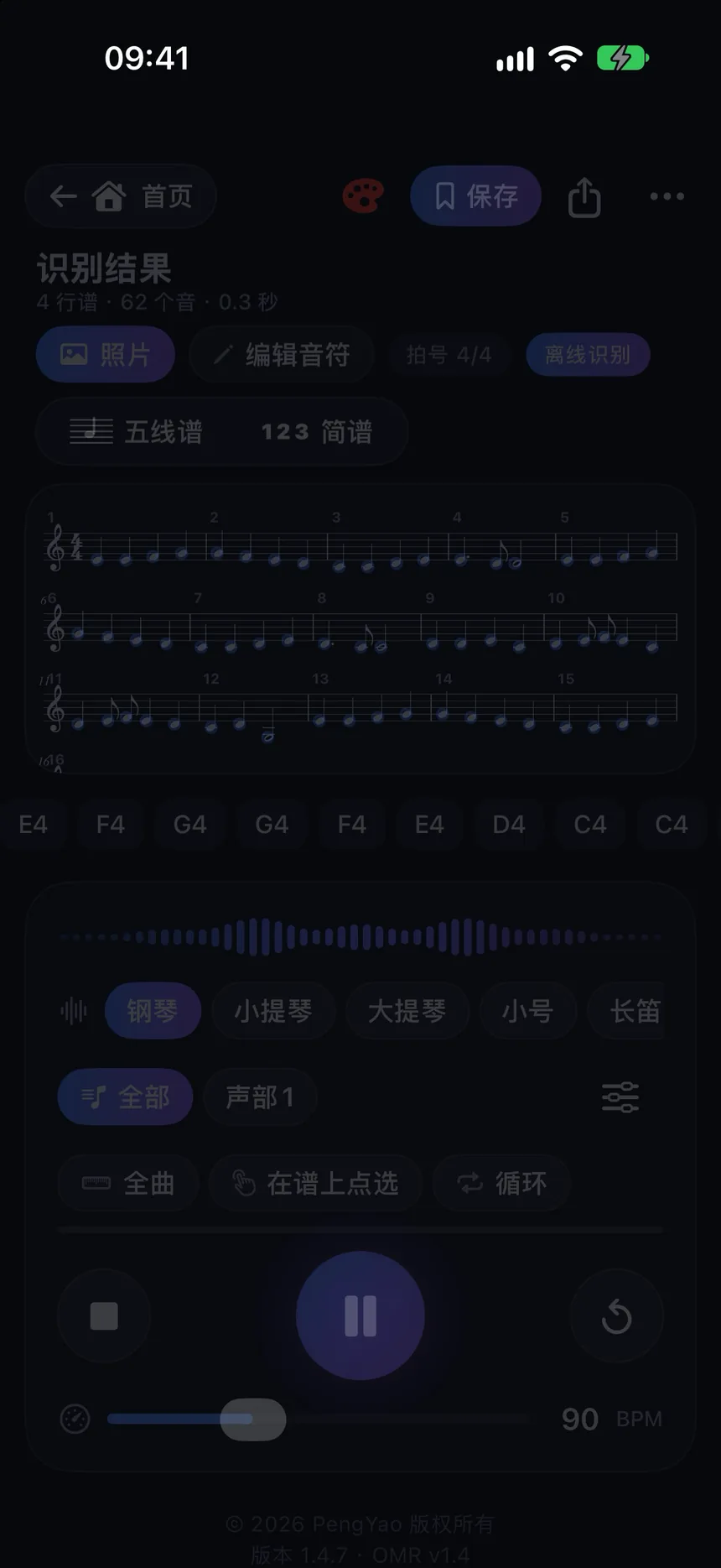
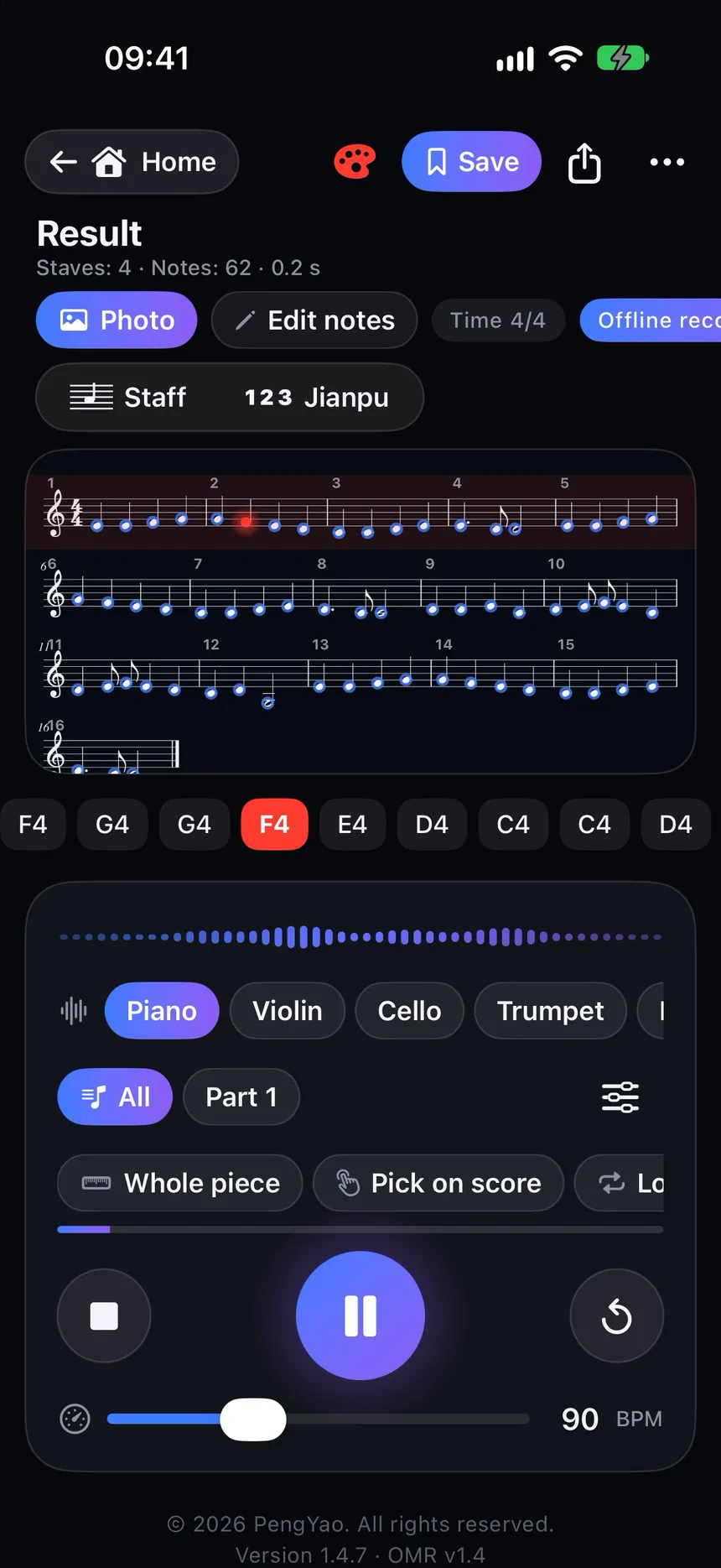
Prestosic 能把印刷乐谱变成可以播放、编辑和导出的数字乐谱。用相机拍下纸质乐谱,或从相册、文件中导入图片和 PDF,即可在本机识别,并马上听到演奏。
Prestosic turns printed sheet music into a digital score you can play, edit, and export. Photograph a paper score, or import images and PDFs. Recognition runs on your device, and you can hear the music right away.
用相机拍摄纸质乐谱,识别后即可播放。
Photograph printed sheet music and play it after recognition.
从相册或文件导入常见图片和 PDF;页数较多时可选择要识别的页面。
Import common image formats and PDFs; choose pages when a PDF has many.
识别完成后马上试听,随时暂停或继续。
Hear the result as soon as recognition finishes; pause or resume anytime.
在五线谱、简谱和原图之间切换查看。
Switch among staff notation, numbered notation (jianpu), and the original image.
校正识别结果,调整音符后再播放。
Correct the recognition result, adjust notes, then play again.
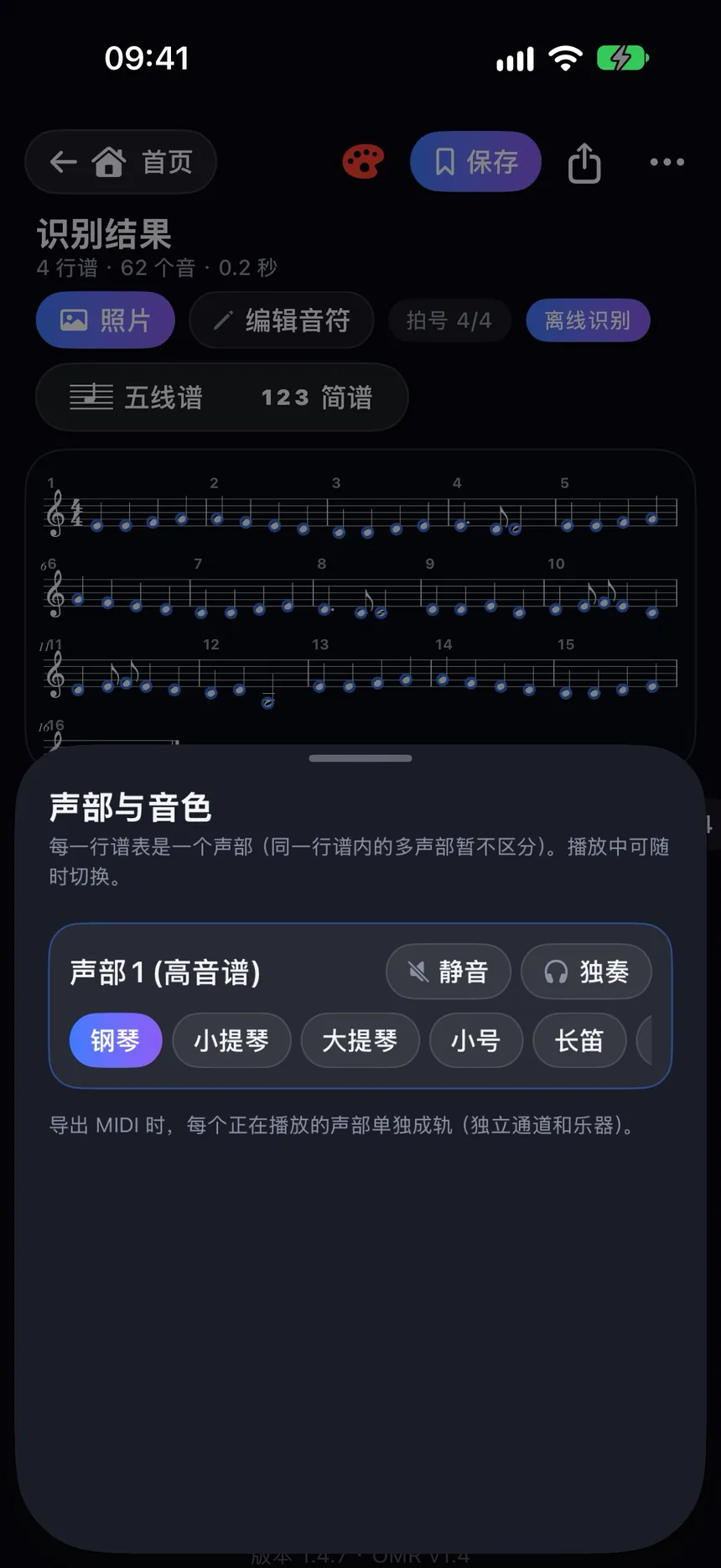
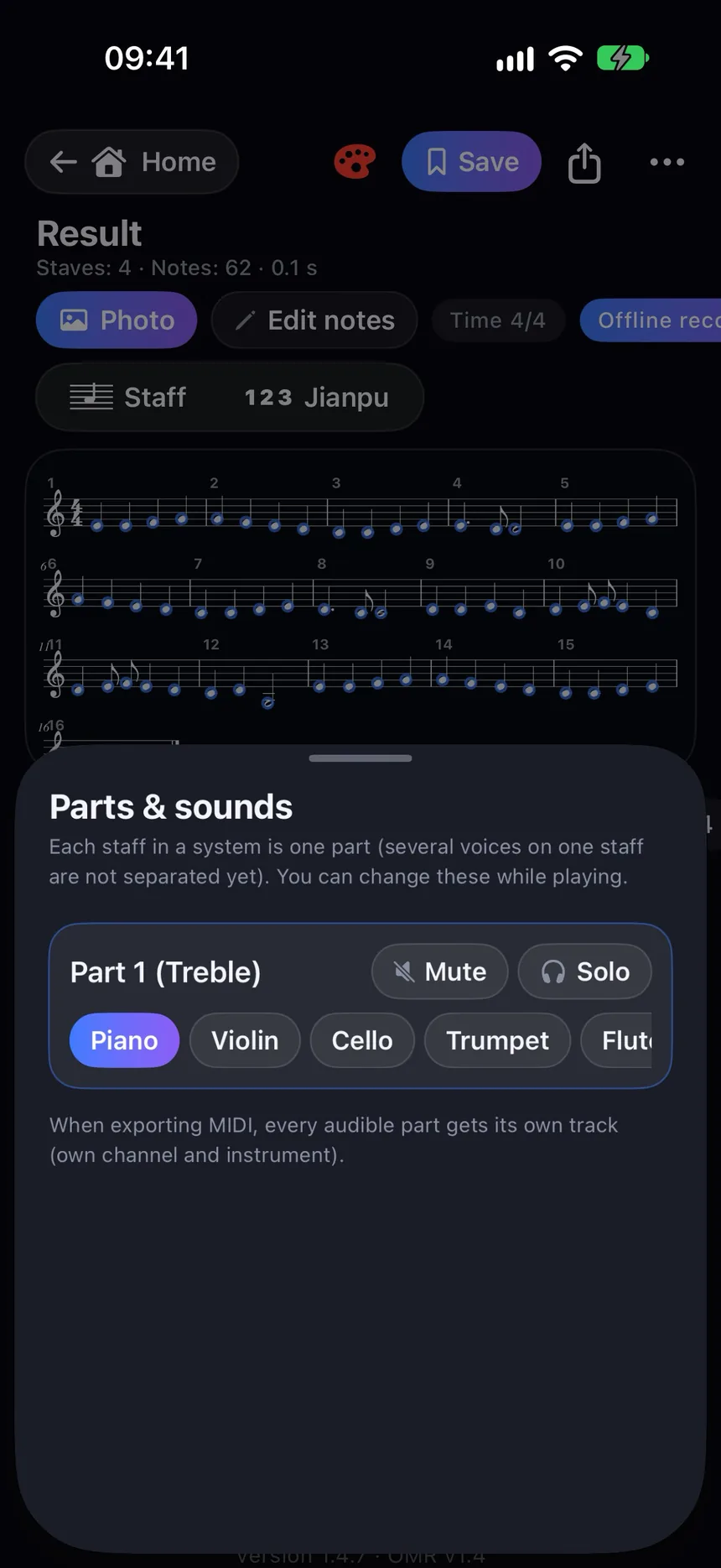
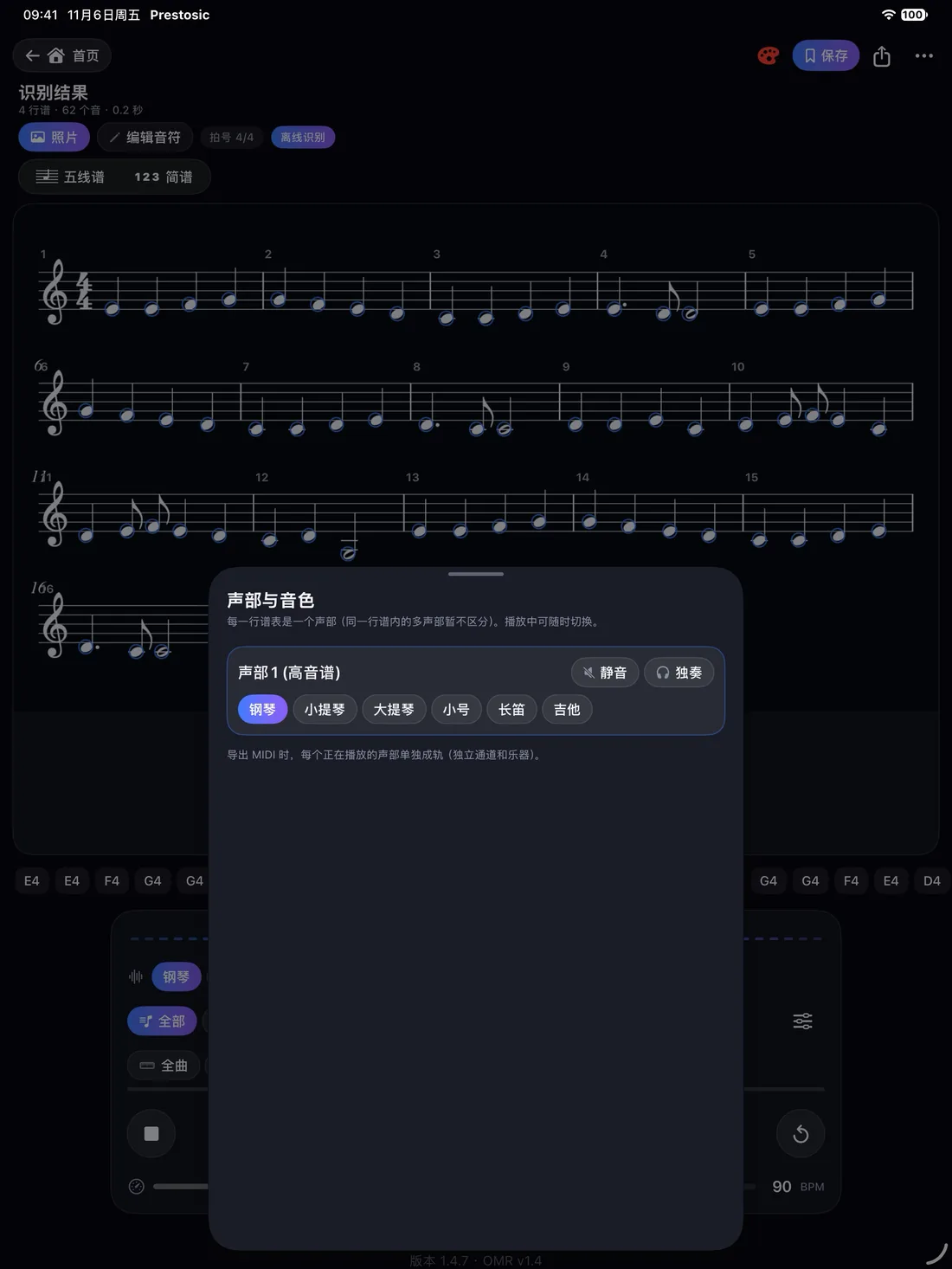
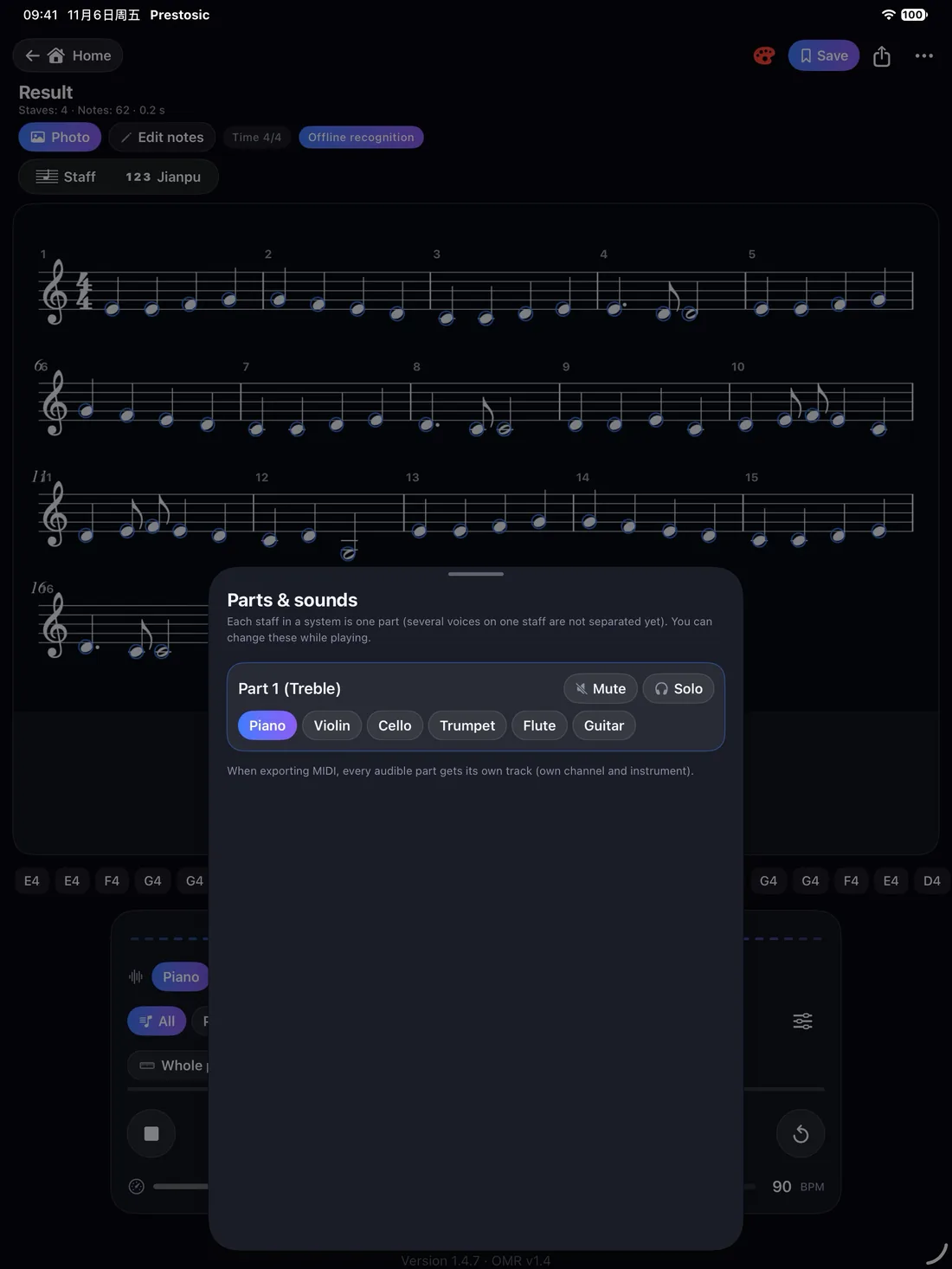
查看各个声部,并为不同声部选择音色。
View each part and assign a sound to it.
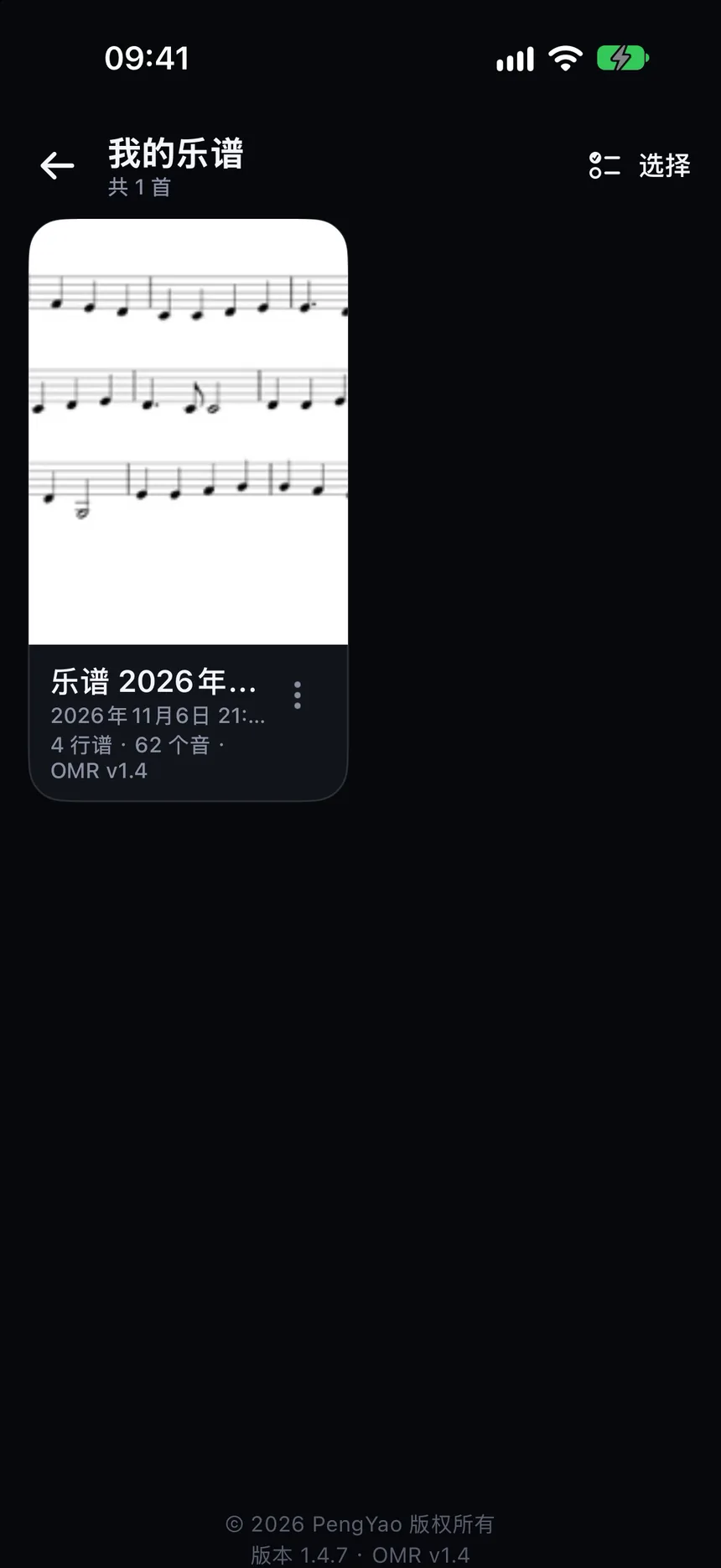
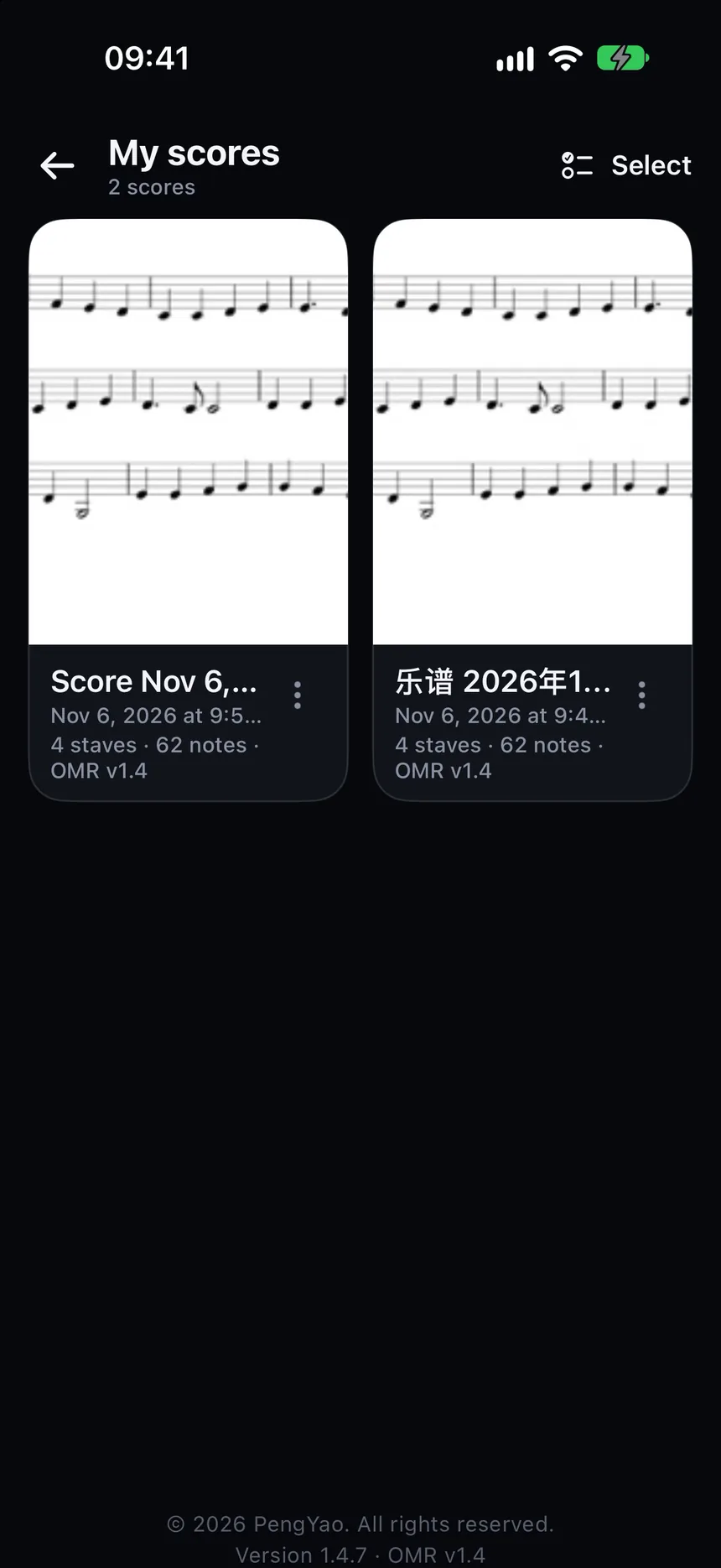
把结果保存在本机,随时打开继续播放或编辑。
Save results on this device and open them later to play or edit.
不必先拍摄,也可以先体验播放、切换谱面和编辑。
Try playback, notation switching, and editing without taking a photo.
识别与播放都在这台设备上完成,不需要联网,乐谱也不会上传。你拍下或导入的内容只保存在本机。识别、播放、编辑和导出都在本机完成。
Recognition and playback happen on this device. No network is required for these features, and scores are not uploaded. Recognition, playback, editing, and export all stay on your device.
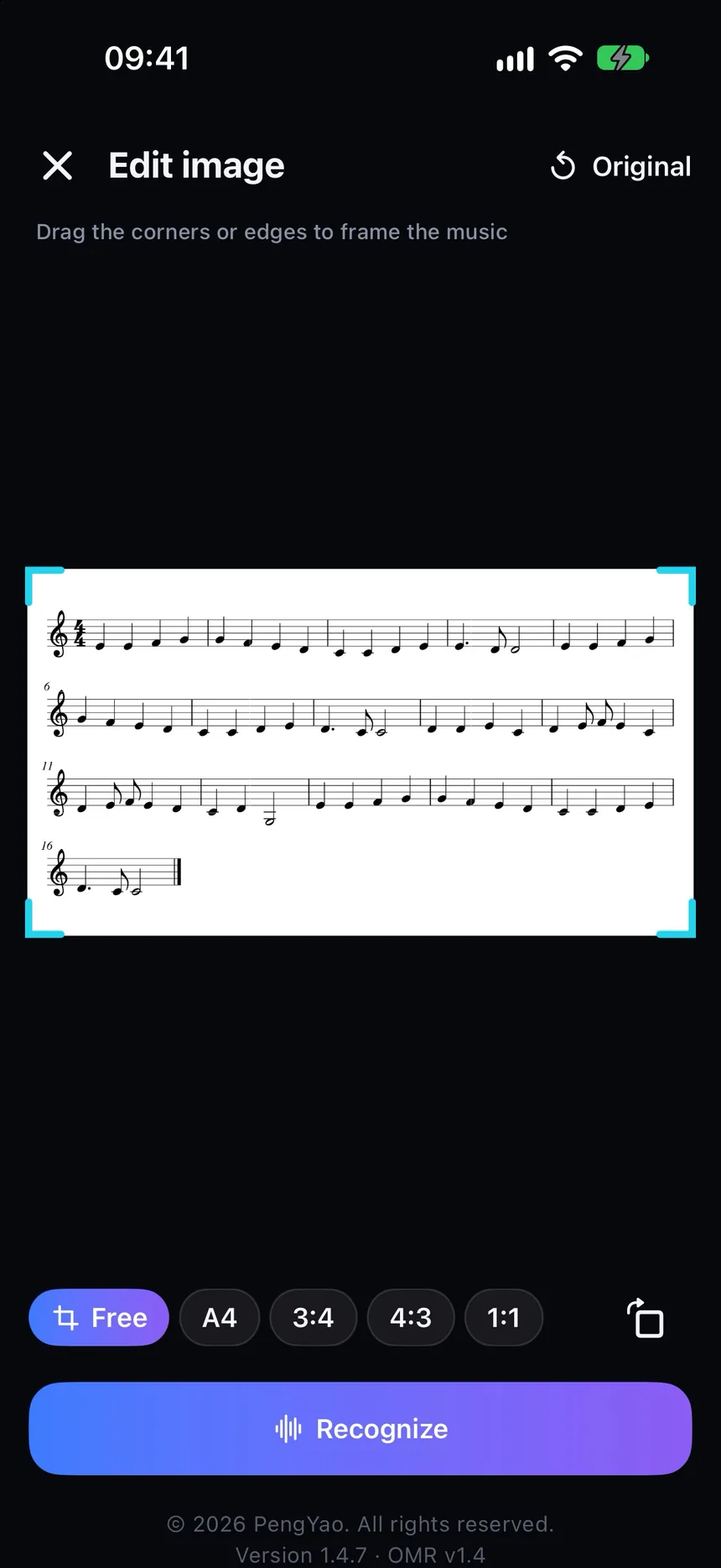
来自 iOS 界面的竖屏截图,帮助了解拍照识谱、播放与编辑流程。
Portrait screenshots from the iOS app — scan, play, and edit.
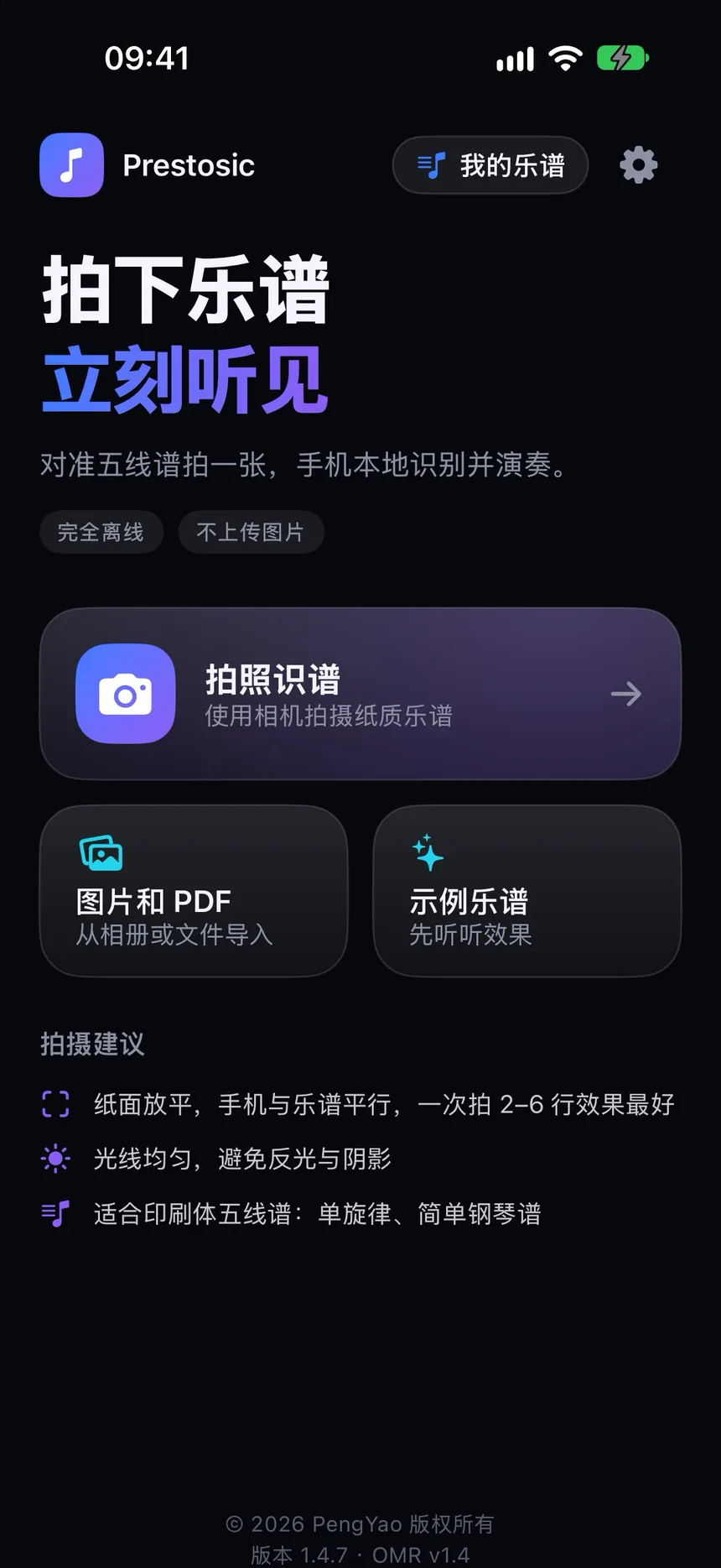
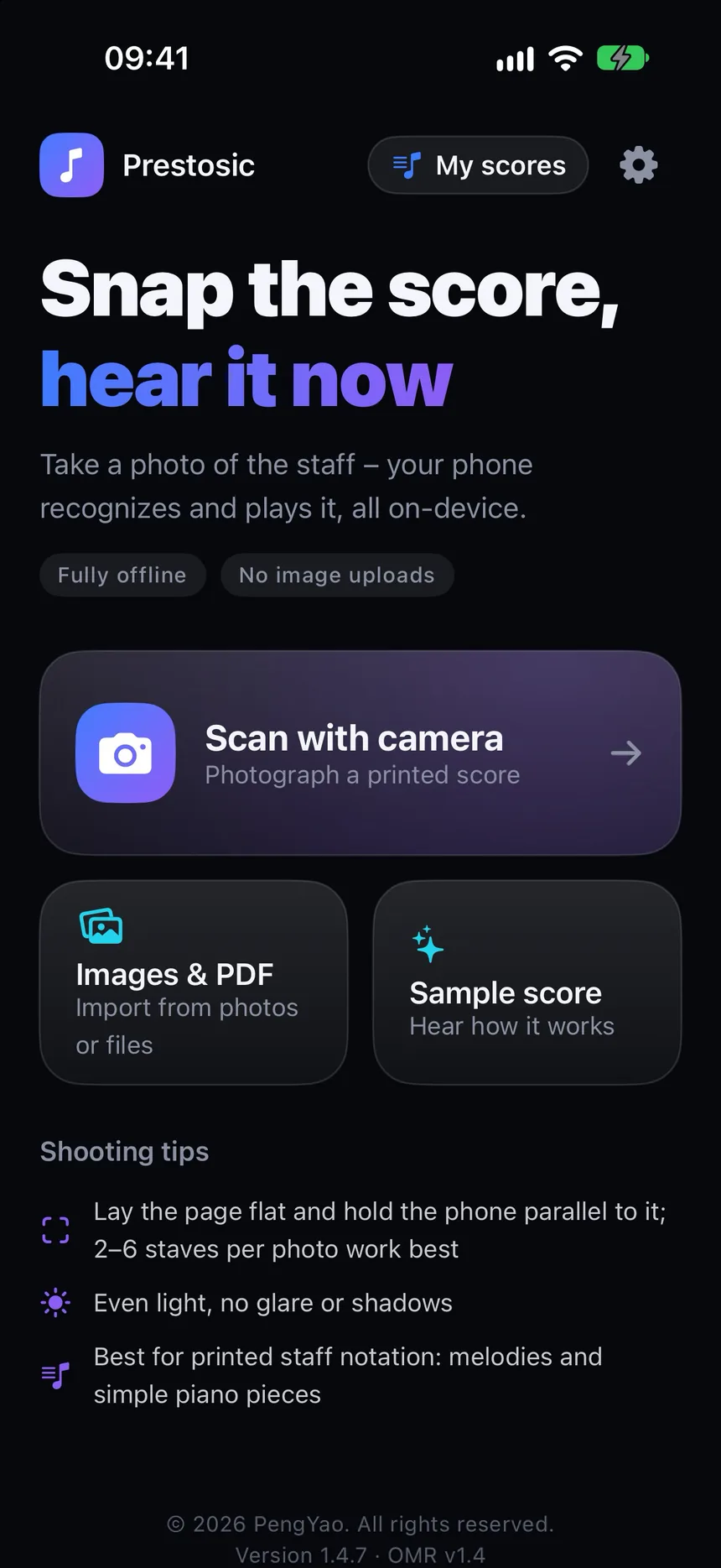
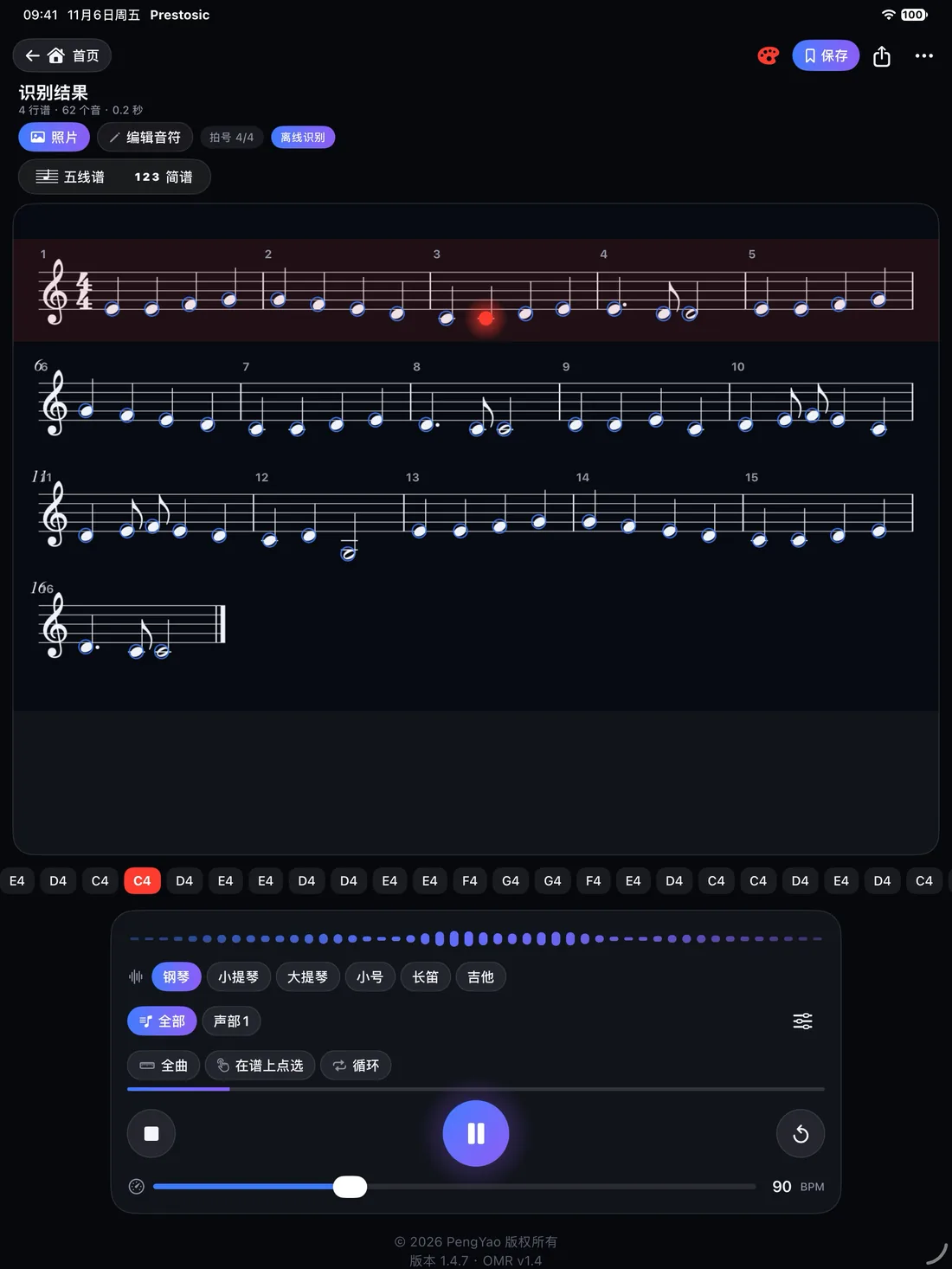
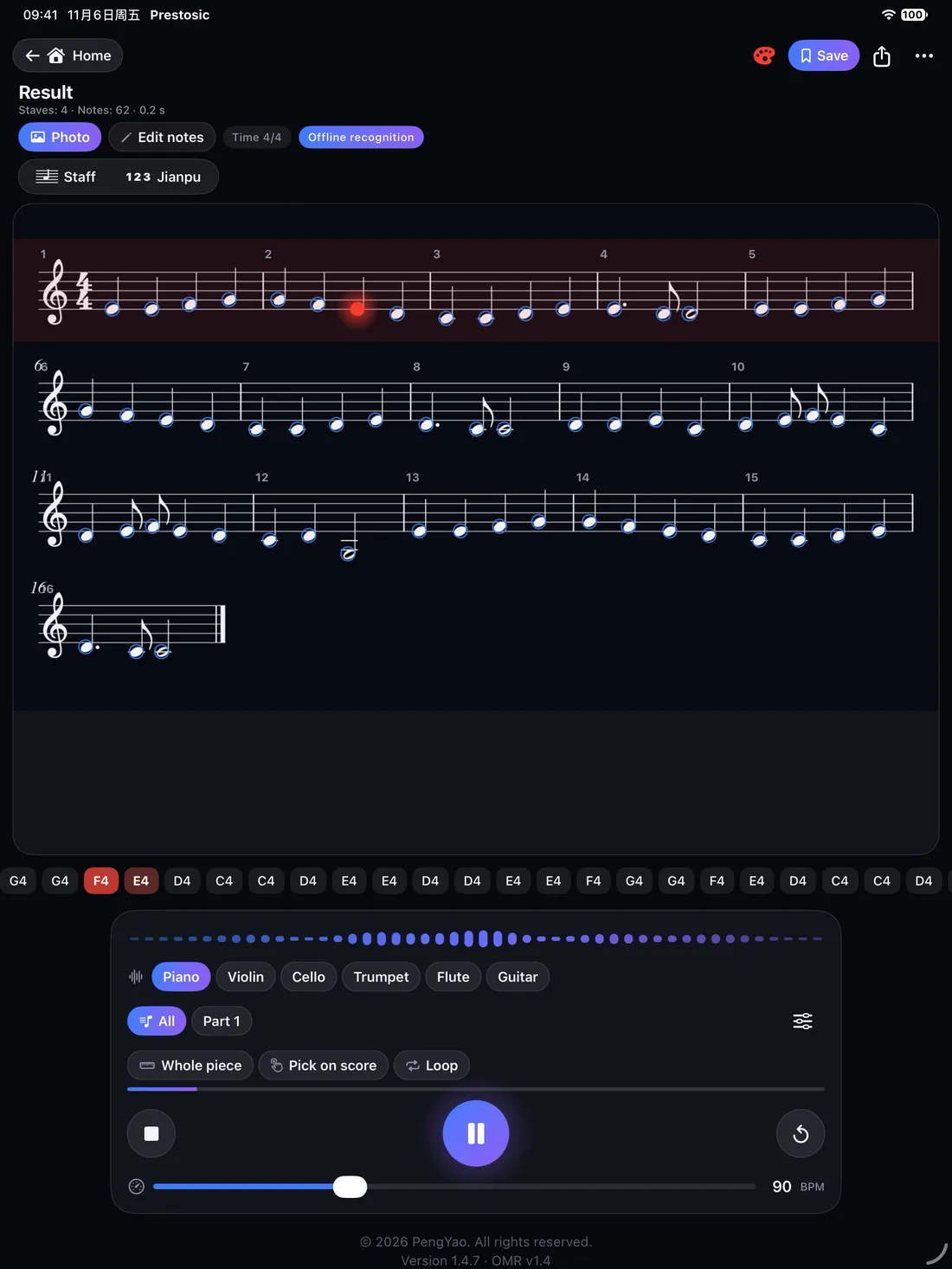
更大的屏幕上同样可以识谱、播放与编辑。
The same recognition, playback, and editing experience on a larger screen.

适用于希望快速听到印刷乐谱效果的练习者、教师和爱好者;练琴、视奏时需要对照谱面听效果的人。
For learners, teachers, and music lovers who want to hear a printed score quickly — useful for practice and sight-reading.