Three ways to resize
Dimensions, file size, or both.
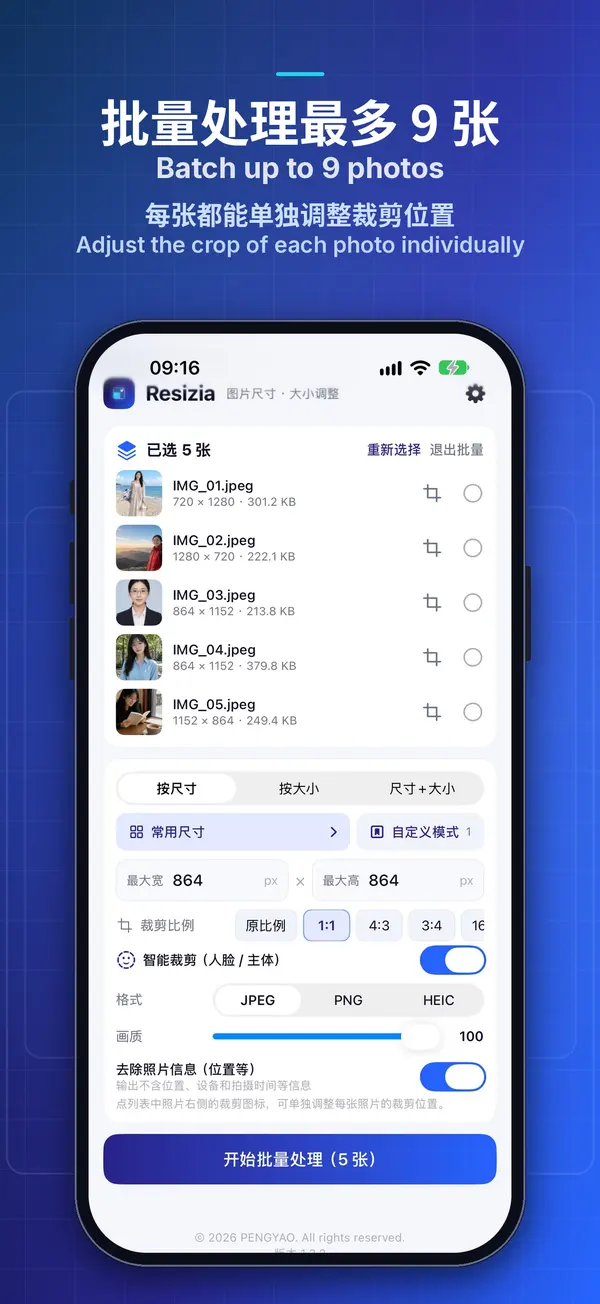
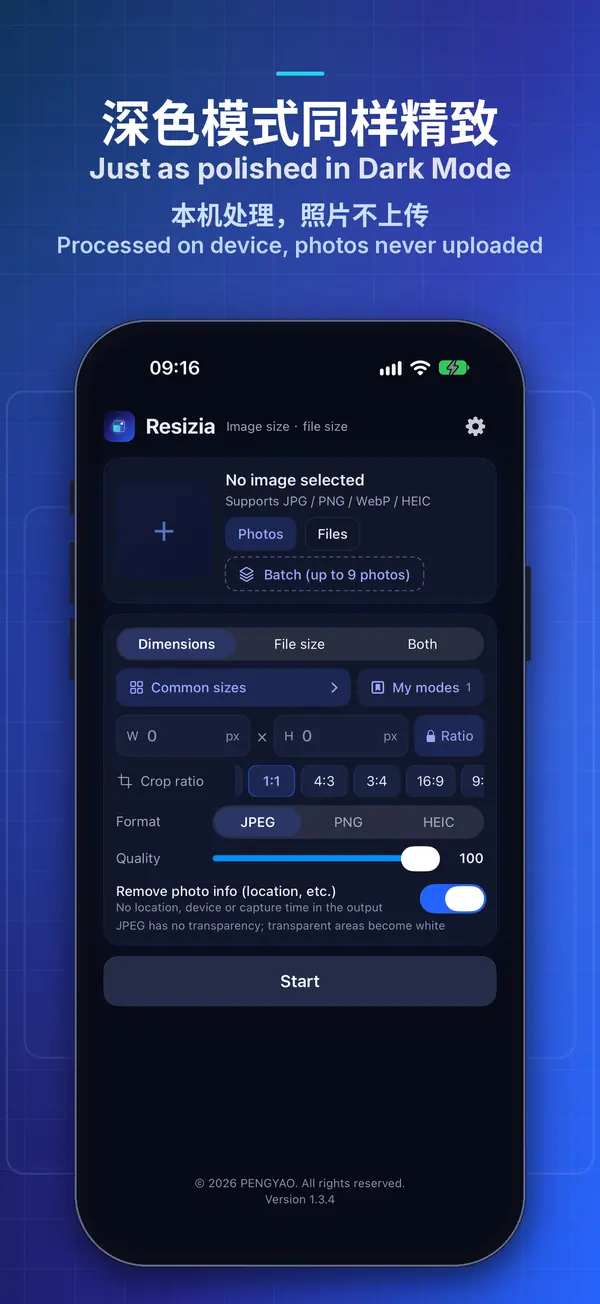
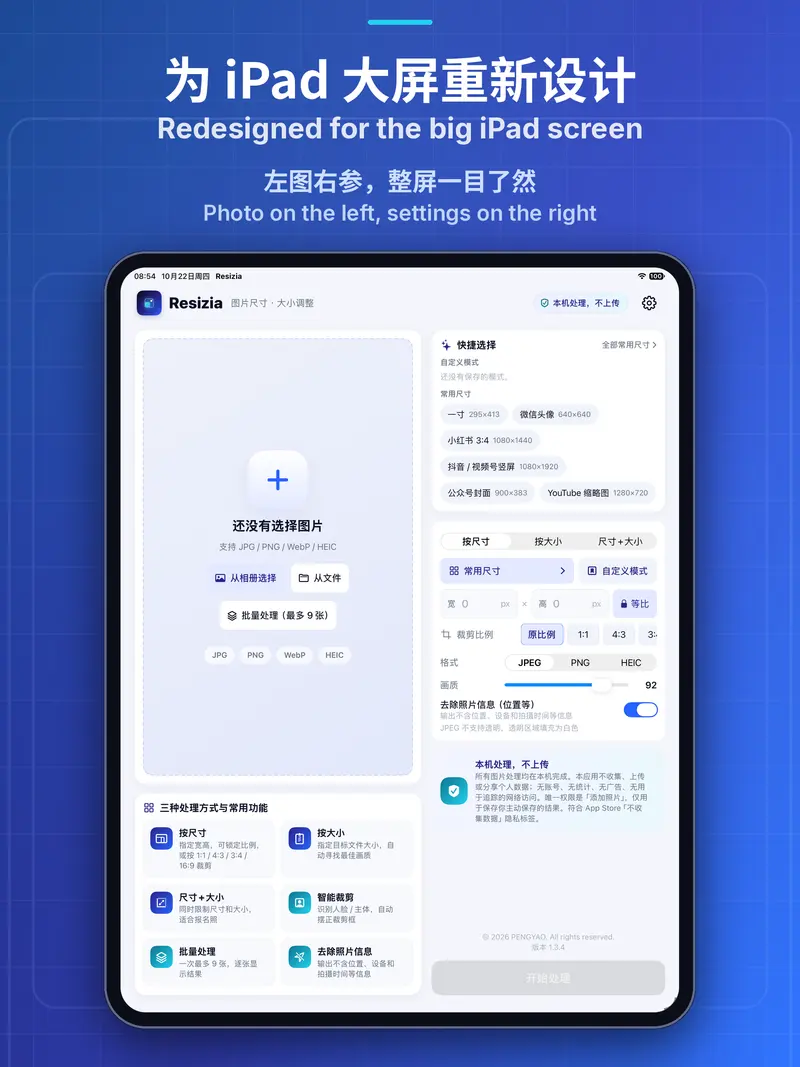
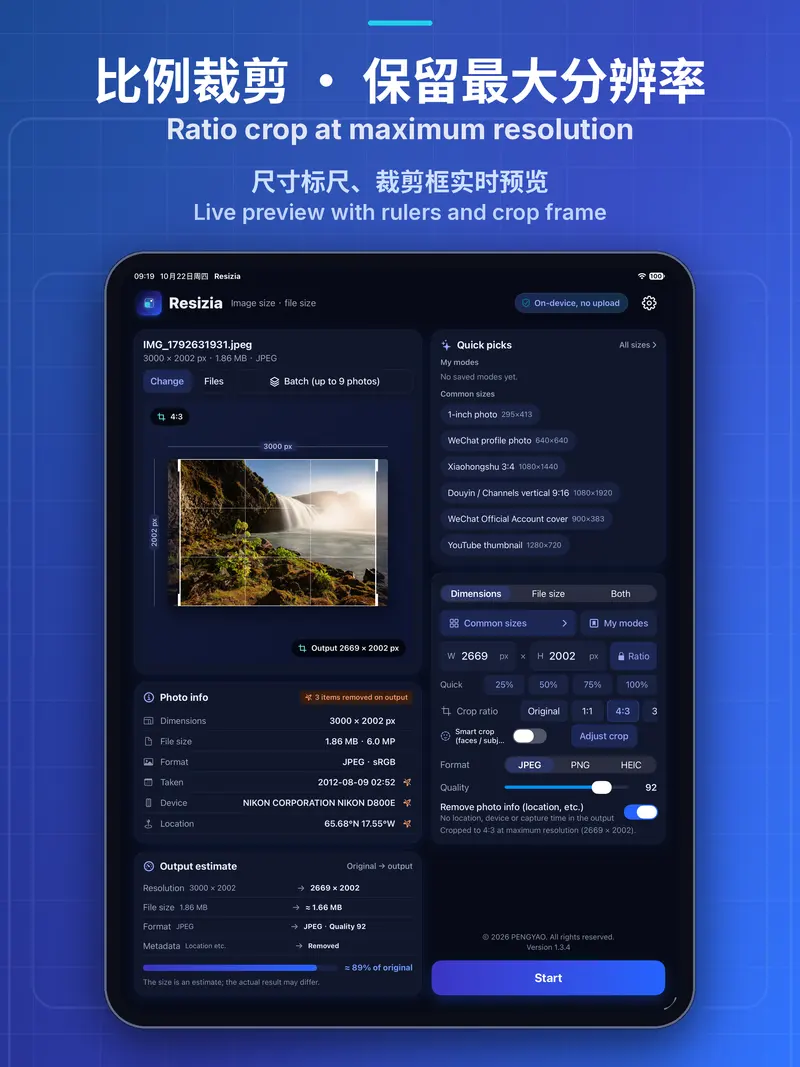
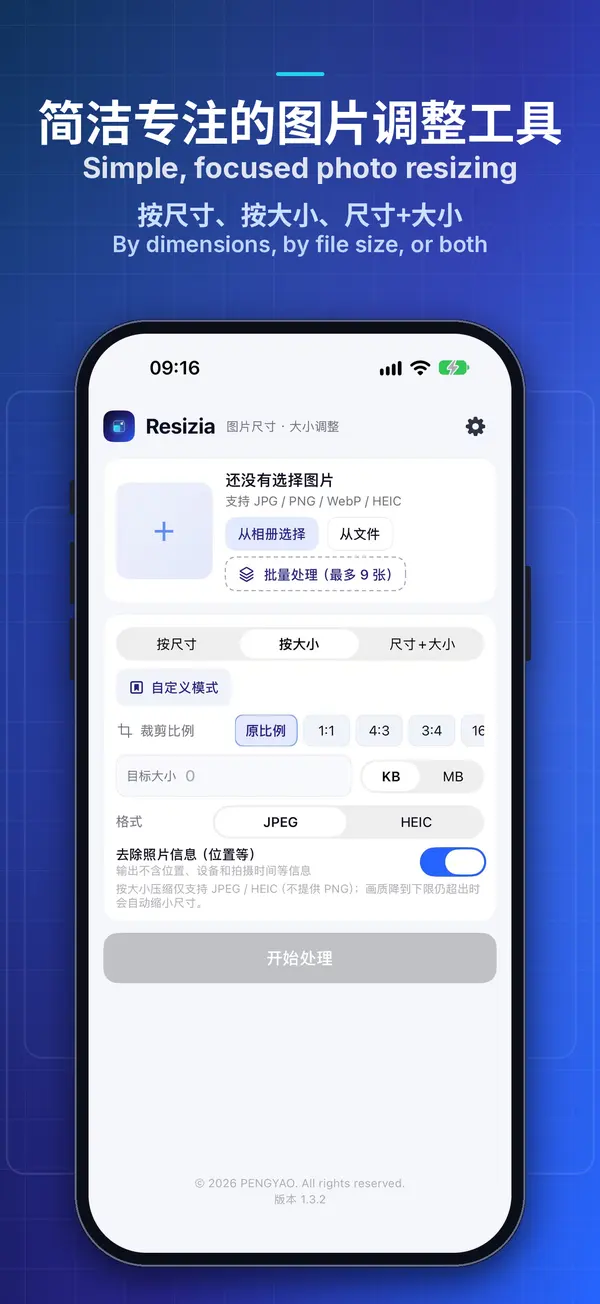
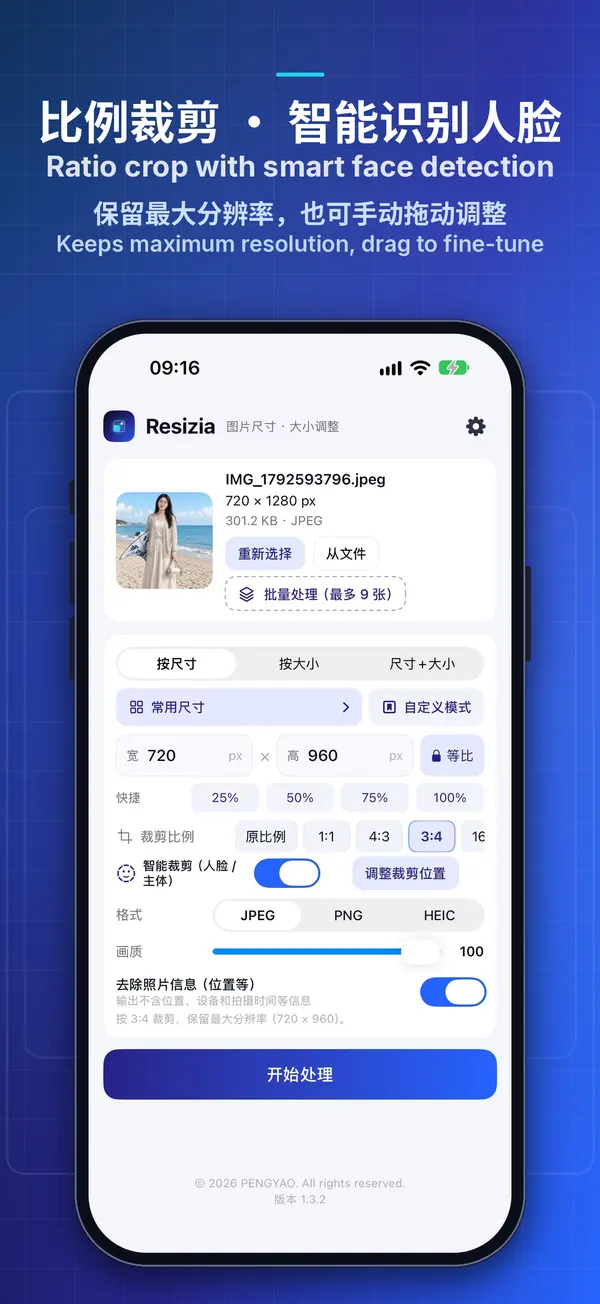
- By dimensions: enter the width and height in pixels with the aspect ratio locked by default, or set 25% / 50% / 75% / 100% in one tap
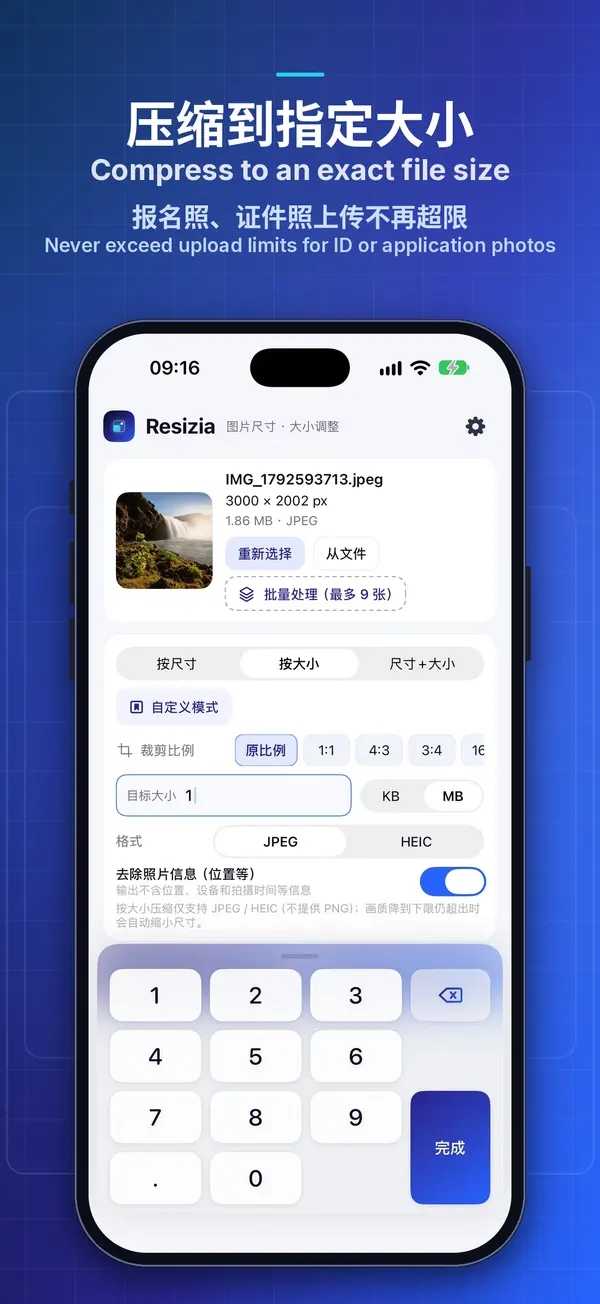
- By file size: enter a target size in KB or MB, and the app automatically finds the highest quality that fits
- Dimensions and file size: first resize to the exact dimensions, then compress below the target size